
Facebook Reels Downloader
Paste the link of a public Facebook Reel to save it as a video on your device, in the best quality Facebook offers for that Reel. Free, no sign-up, right in your browser.
How it works
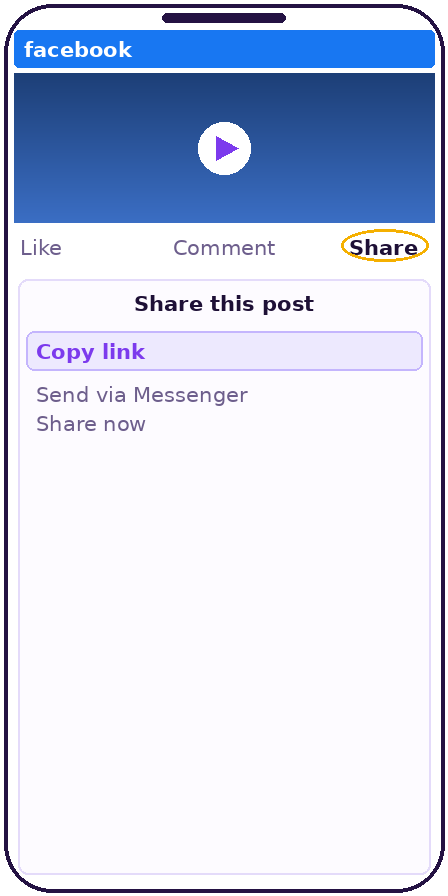 Open the video on Facebook, tap "Share", then "Copy link".
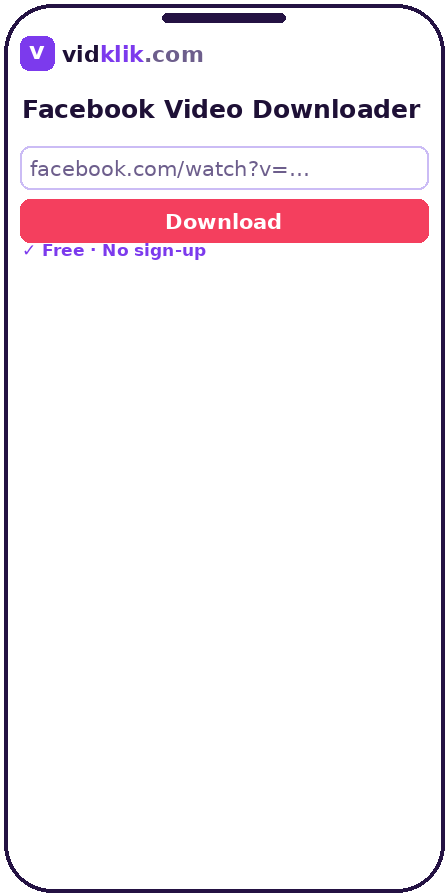 Paste the copied link into the field above, exactly as copied — tracking parameters are cleaned automatically.
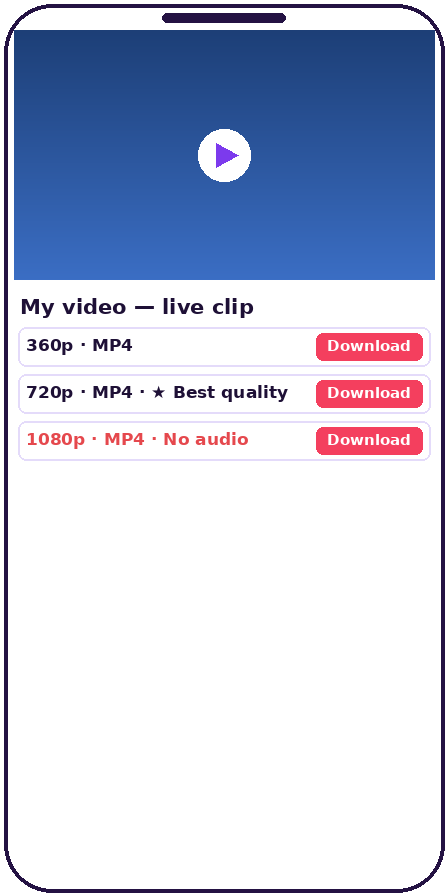 Click "Download" and wait a few seconds while the link is analyzed.
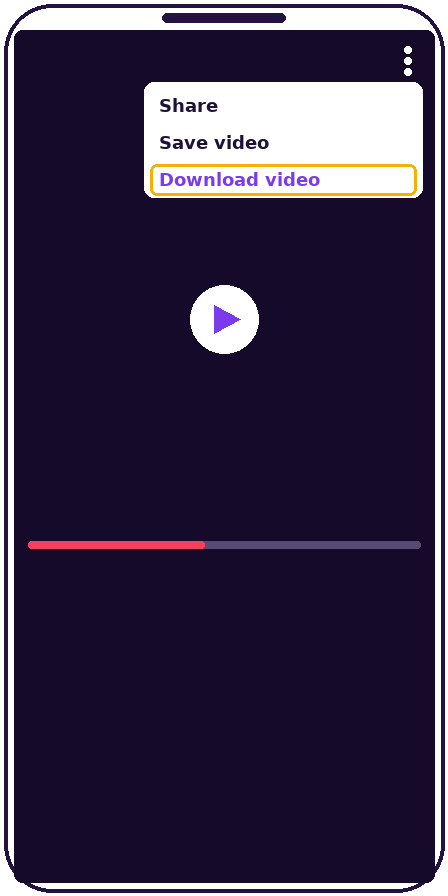 Choose your preferred quality from the list and save the file to your device.
Why save Reels with VidKlik
Original quality, no magic promises
VidKlik lists only the qualities Facebook actually serves for each video: HD when it exists, standard definition otherwise. No invented 2K or 4K.
No sign-up, no software
Everything happens in your browser: no account to create, no extension to install, no app to download.
File straight from the source
The video travels from Facebook's servers directly to your device, never through VidKlik: faster downloads and better privacy.
Phone, tablet and computer
iPhone, Android, Windows, Mac: the tool works in every modern browser.
Almost every Facebook link format accepted
Share links with tracking parameters, Reel and page URLs: paste the link as-is and VidKlik recognizes and cleans it. Short fb.watch links must first be opened once in your browser so they expand to the full address — then paste that address here.
Save a Facebook Reel before it vanishes from your feed
Reels move fast: something you wanted to watch again can be nearly impossible to find a few hours later, buried under new content. By saving the public Reels that matter to you — tutorials, recipes, concert clips, family moments shared by a page — you keep them available offline, independent of the algorithm and of an internet connection.
The principle is the same as for regular videos: VidKlik reads the public version of the Reel and offers the qualities Facebook genuinely serves for that content, in the original vertical format. The resulting MP4 plays on every phone and can be shared in private conversations, always respecting the creator's rights.
How to copy a Reel link
In the Facebook app, open the Reel, tap the share icon (the arrow), then "Copy link". On a computer, open the Reel and copy the URL from the address bar — it contains "/reel/" followed by an ID. Then paste the link into the tool above: tracking parameters added by Facebook are stripped automatically, so there is no need to clean the link yourself.
Public Reels and restricted Reels
Only public Reels can be downloaded: those from pages, public creator profiles and open profiles. A Reel shared with "Friends" or inside a closed group stays unreachable without the authorized account — that is its author's choice, and VidKlik respects it by design. If a download fails, first check the Reel's visibility by opening it in a private browser window.
Technical specifications
| Source | Public Facebook Reels only |
|---|---|
| File format | MP4, as served by Facebook |
| Picture format | Vertical 9:16, as served for the source Reel — nothing cropped or converted |
| Audio | The Reel's original audio track, as served |
| Qualities | Only the qualities Facebook serves for that Reel; no invented resolutions |
| Processing | No re-encoding, no storage: the file downloads directly from Facebook's servers to your device |
| Links accepted | facebook.com/reel/ links and Reel share links; tracking parameters are cleaned automatically |
| Not supported | Reels from private or friends-only accounts and closed groups |
Frequently asked questions
Is VidKlik really free?
Yes. The tool is completely free, with no sign-up and no reasonable-use limits. It is supported by discreet advertising — never by selling your data.
Do I need a Facebook account?
No. VidKlik never asks for a Facebook login or credentials. If a site asks for your Facebook password to download a video, it is not VidKlik — leave it immediately.
Which videos can be downloaded?
Public videos only: page posts, public profile videos and public Reels. Group videos (including from public groups), private videos and restricted posts are refused by design.
Where does the downloaded file go?
To your device's Downloads folder. On iPhone, open the Files app and go to Downloads; on Android, the Download folder; on a computer, your browser's Downloads folder.
Does VidKlik keep the videos or the links I paste?
No. No video file passes through our servers, and pasted links are not stored after analysis. The download travels directly from the platform's servers to your device. See our privacy policy for details.
Is it legal to download a Facebook video?
Download only content you have the right to save, for personal use. Videos remain their creators' property: do not republish them or use them commercially without permission. VidKlik is not affiliated with Meta or TikTok.
Does the downloaded Reel keep its vertical format?
Yes. The file keeps the original format and resolution of the Reel (usually 9:16). VidKlik does not crop or convert the video.
Is the Reel's music included?
Yes, the audio track is part of the downloaded video file, exactly as in the original Reel. Note that this music remains protected by its rights holders.
Can I download a Reel from a private account?
No. Reels from private or friends-only accounts are not public and cannot be processed — even if you follow that account.
Is downloading a Reel anonymous?
VidKlik requires no login and does not notify the Reel's author. The file downloads directly from Facebook's servers to your device.